Deposit on IQ Option via Local Bank in Malaysia, Thailand & Laos

This guide breaks down how local bank deposits typically work for IQ Option users in these three countries: supported local payment routes, expected processing times, minimums and limits, fee considerations, and step-by-step actions to take when a deposit is delayed or rejected. It also highlights verification and safety checks you should complete to ensure funds arrive and can be withdrawn later without compliance issues.
How to Deposit with your Local Bank using IQ Option web application
When it comes to payment methods, IQ Option has a lot to offer. In addition to all other methods, there is also an option to refill your account through the means of a local bank transfer. For those of you residing in Thailand, Malaysia and Laos a local bank transfer can be a great option, as it lets you deposit in your national currency and use the bank of your choice.
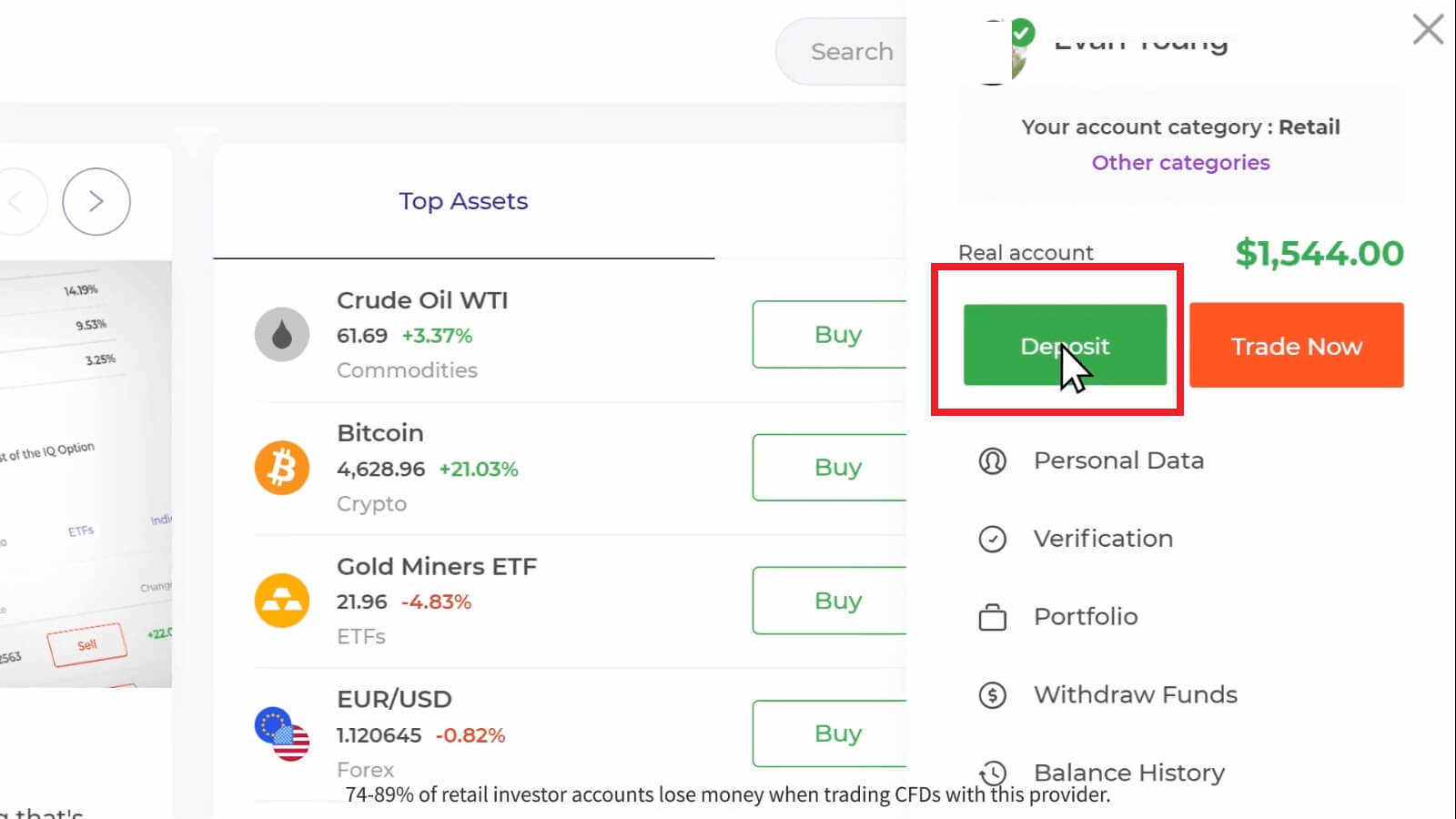
1. In order to make a deposit with your local bank, go to the IQ Option website and click on ‘Deposit’ on the right side of your screen.
Choose a necessary amount (you could use the proposed amounts or enter your own), currency and a preferred local bank. Please note that you’ll be offered only those banks relevant for your country. Here is a full list of banks available for payment on January 2019:
Thailand – Bangkok Bank, Kasikorn Bank, Krung Thai Bank, Siam Commercial Bank, Bank of Ayudhya (Krungsri), Government Savings Bank, TMB Bank.
Laos – Bangkok Bank, Kasikorn Bank, Krung Thai Bank, Siam Commercial Bank, Bank of Ayudhya (Krungsri), Government Savings Bank, TMB Bank.
Payment methods available to the reader may be different. For the most up-to-date list of available payment methods, please refer to the IQ Option trading platform
Please, take into consideration the minimum/maximum limits for a transaction amount could be established. See the table below.
| Minimum | Maximum | ||
| Malaysia | GBP | 10 | 9 100 |
| USD | 15 | 12 000 | |
| MYR | 50 | 50 000 | |
| EUR | 15 | 10 000 | |
| Laos | GBP | 15 | 11 000 |
| USD | 20 | 15 000 | |
| THB | 500 | 500 000 | |
| EUR | 15 | 13 000 | |
| Thailand | GBP | 15 | 11 000 |
| USD | 20 | 15 000 | |
| THB | 500 | 500 000 | |
| EUR | 15 | 13 000 |
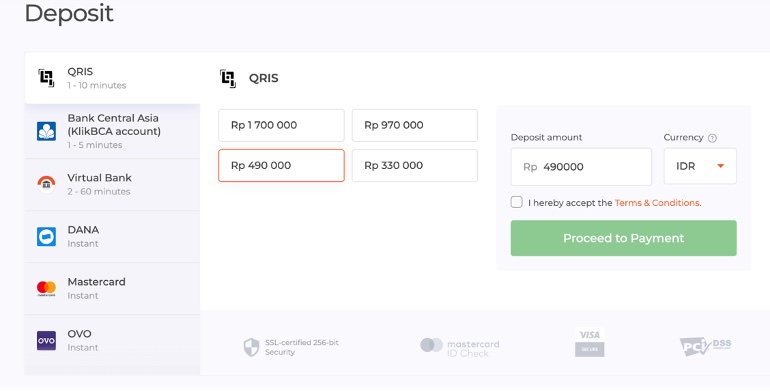
2. Click on ‘Proceed to Payment’.
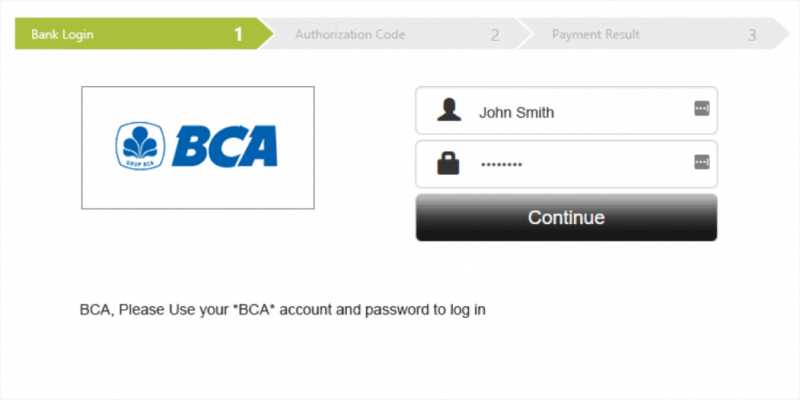
3. You’ll be redirected to a payment gateway of a chosen bank. Please, input the necessary credentials and click on ‘Continue’.
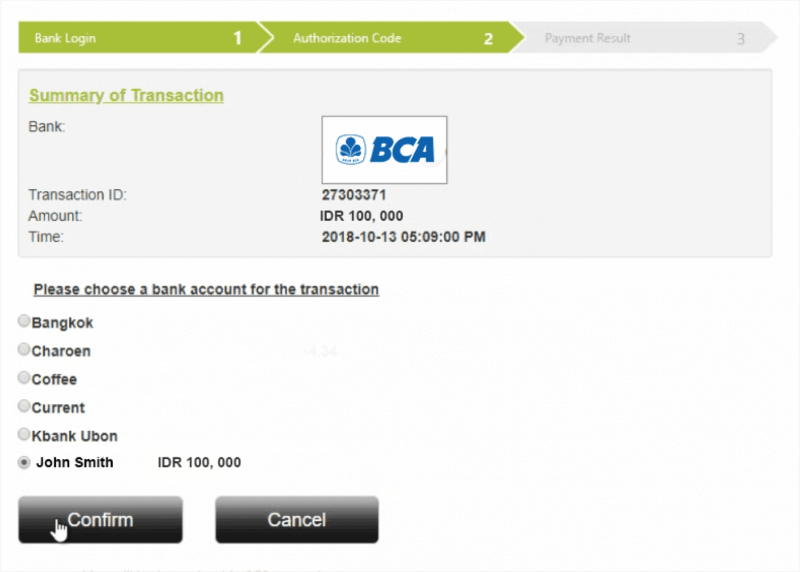
4. Please choose a bank account for the transaction, if necessary, and input an OTP (one-time password) code received on your phone.
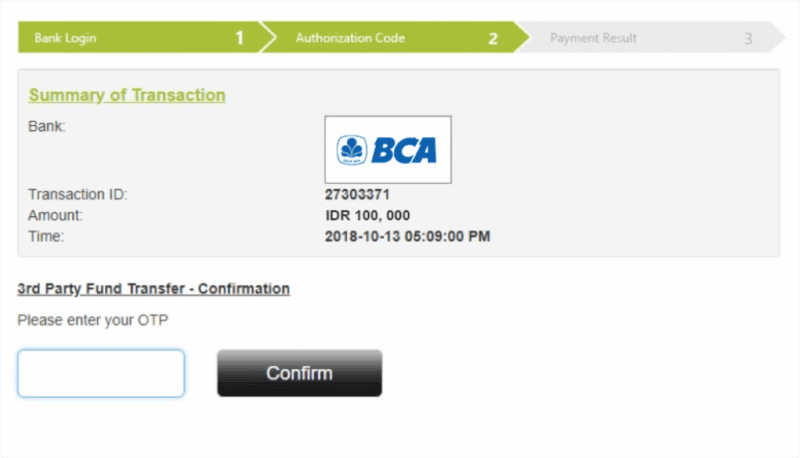
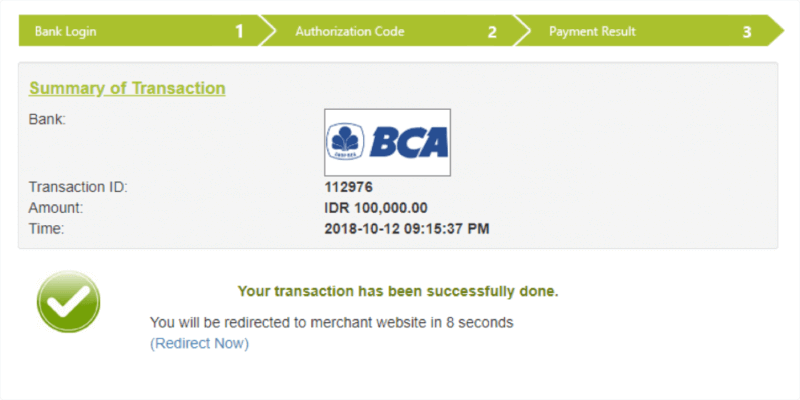
After the OTP code is verified by the system, your deposit has been successfully processed.
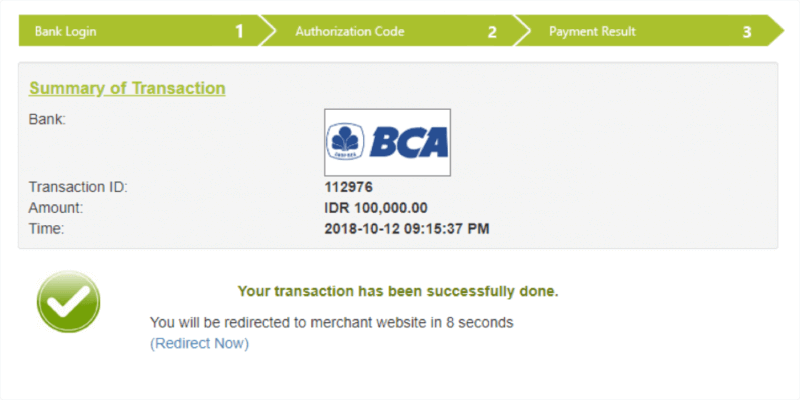
And you are good to go.
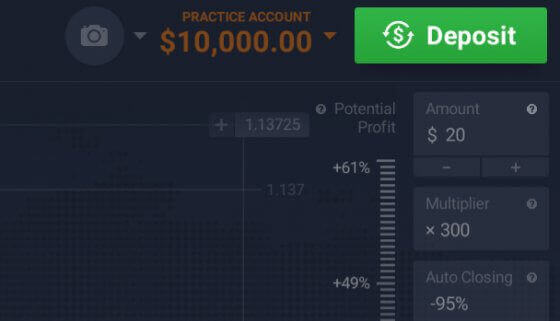
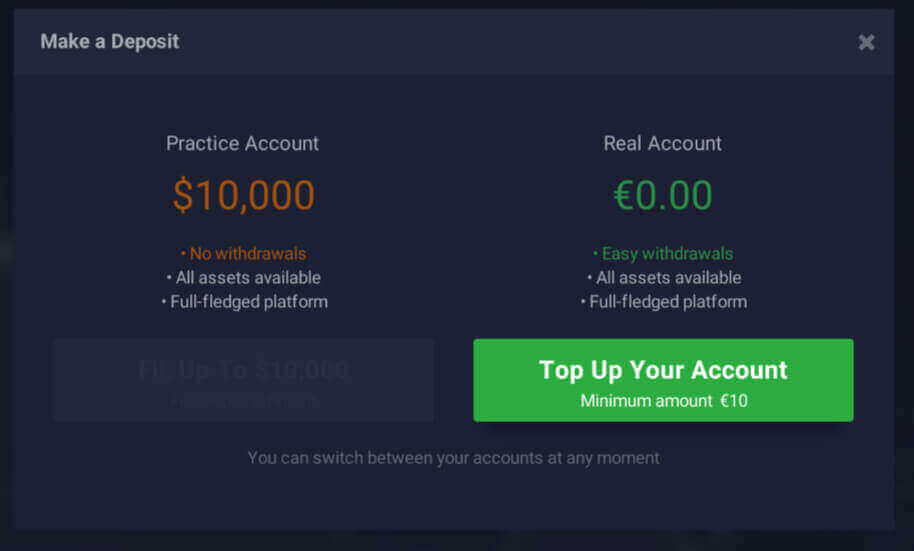
You could also deposit necessary funds in your trading room. Just click on the green button in the right upper corner of the trading room.
How to Deposit with your local bank using IQ Option mobile application (iOS and Android)
In order to make a deposit with your local bank, open IQ Option mobile application on your phone and enter your login and password.1. Press on the “+DEPOSIT” button in the right upper corner.
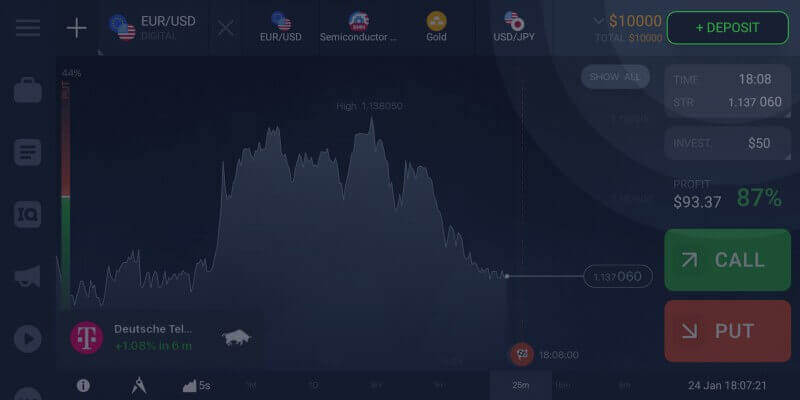
2. Choose a local bank.
3. Choose the amount (you could use the proposed amounts or enter your own) and a currency. Please, take into consideration the minimum/maximum limits for a transaction amount could be established. Click on the “DEPOSIT” button.
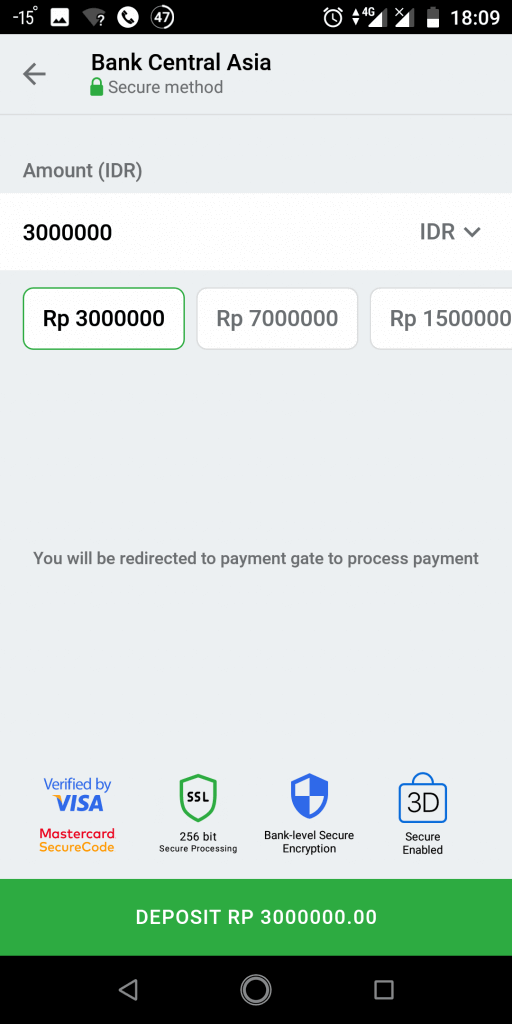
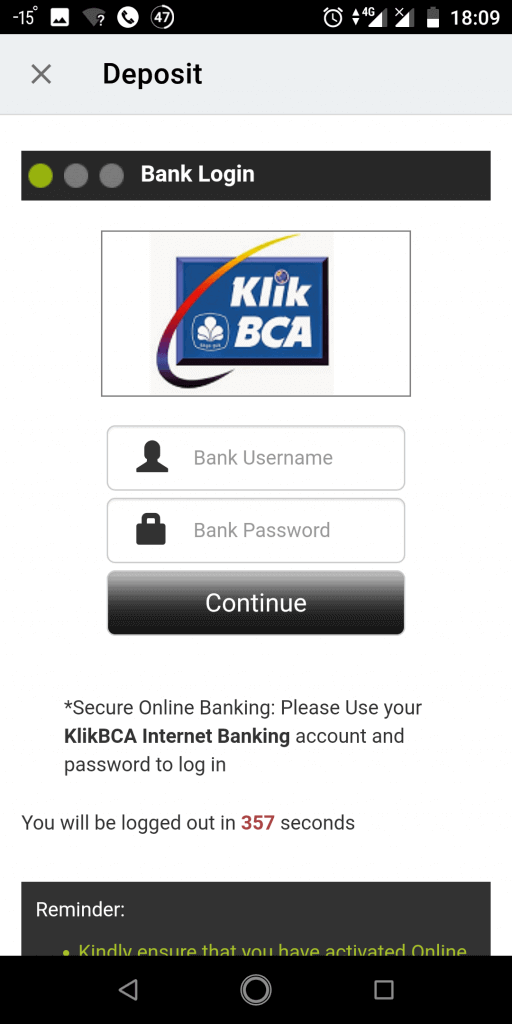
4. You will be redirected to a payment gateway of a chosen bank. Please, input necessary credentials and click on ‘Continue’.
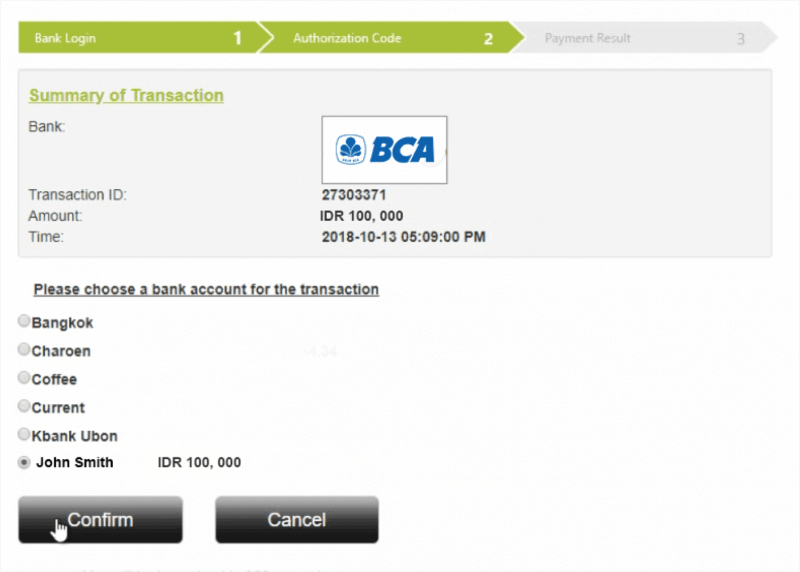
5. Please, choose a bank account for transaction, if necessary.
6. Input an OTP (one-time password) code received on your phone.
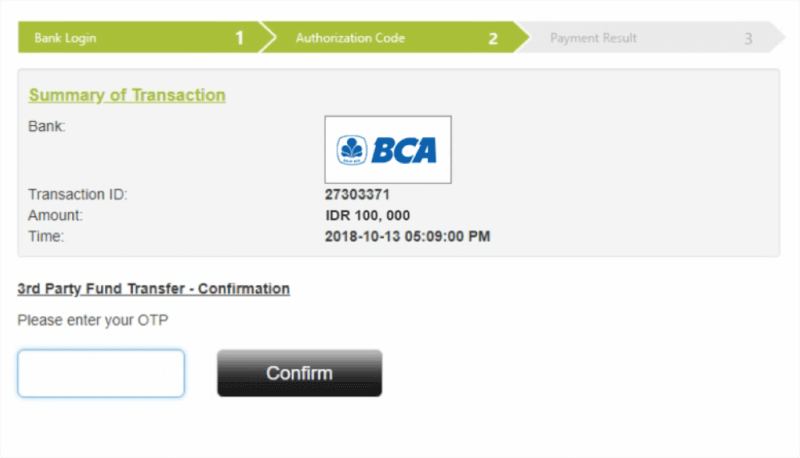
7. After the OTP code is verified by the system, your deposit has been successfully processed.
And that’s it!